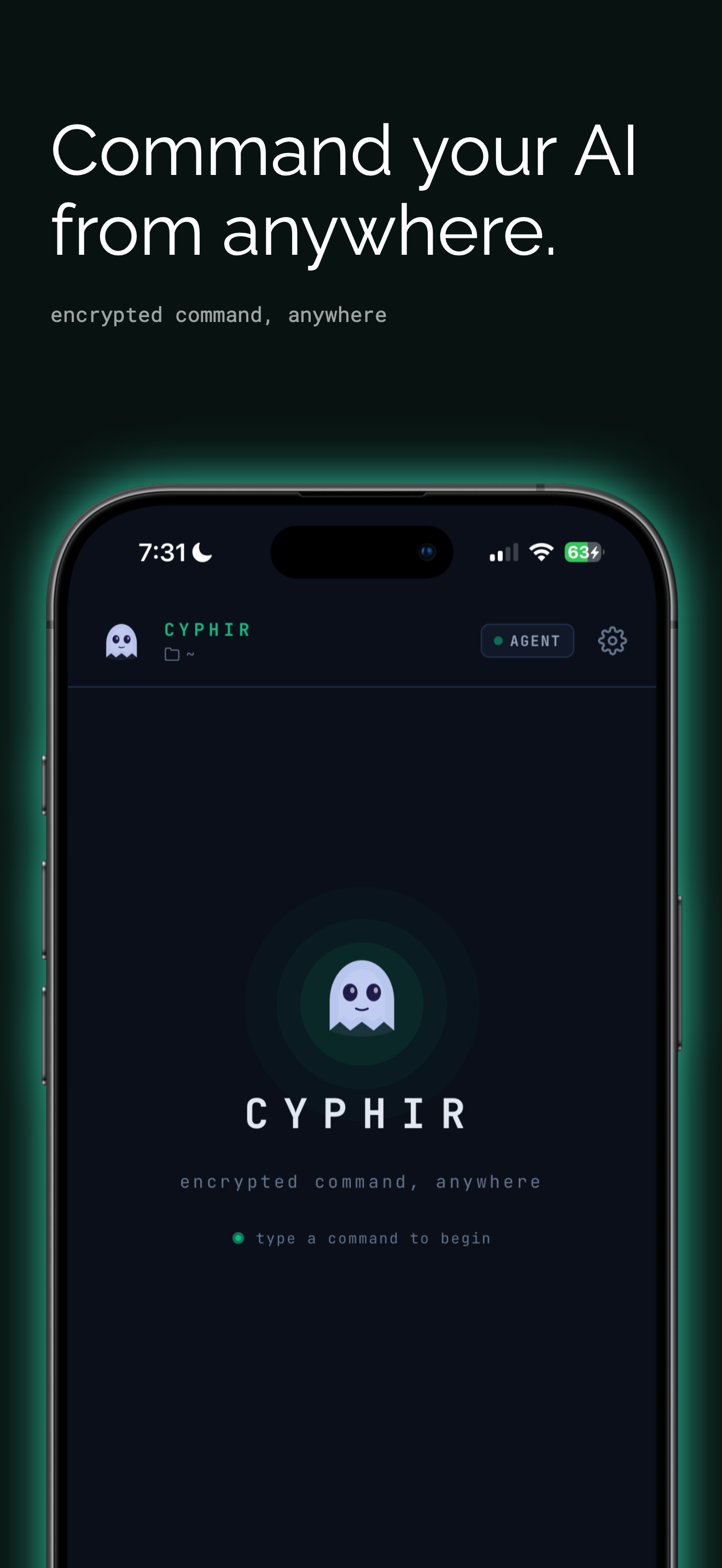
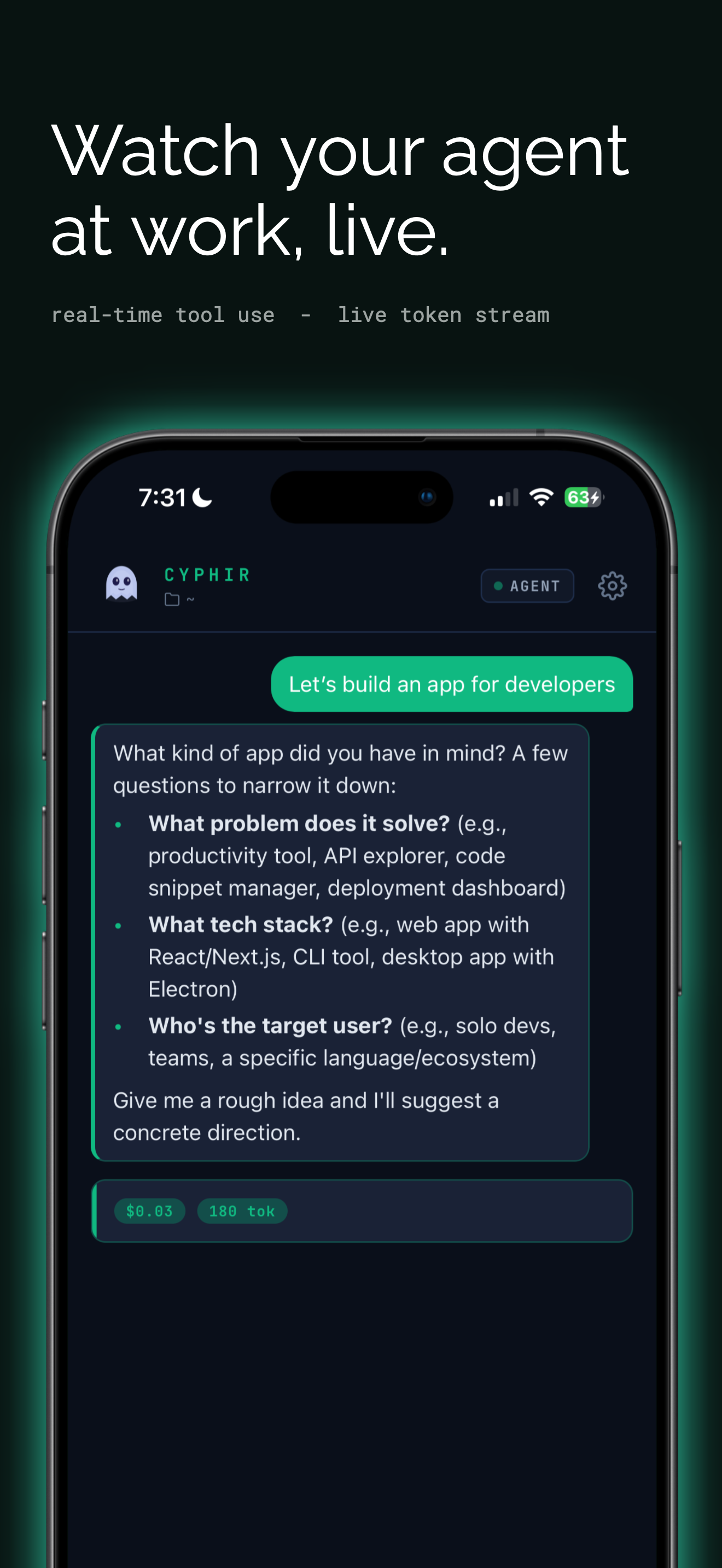
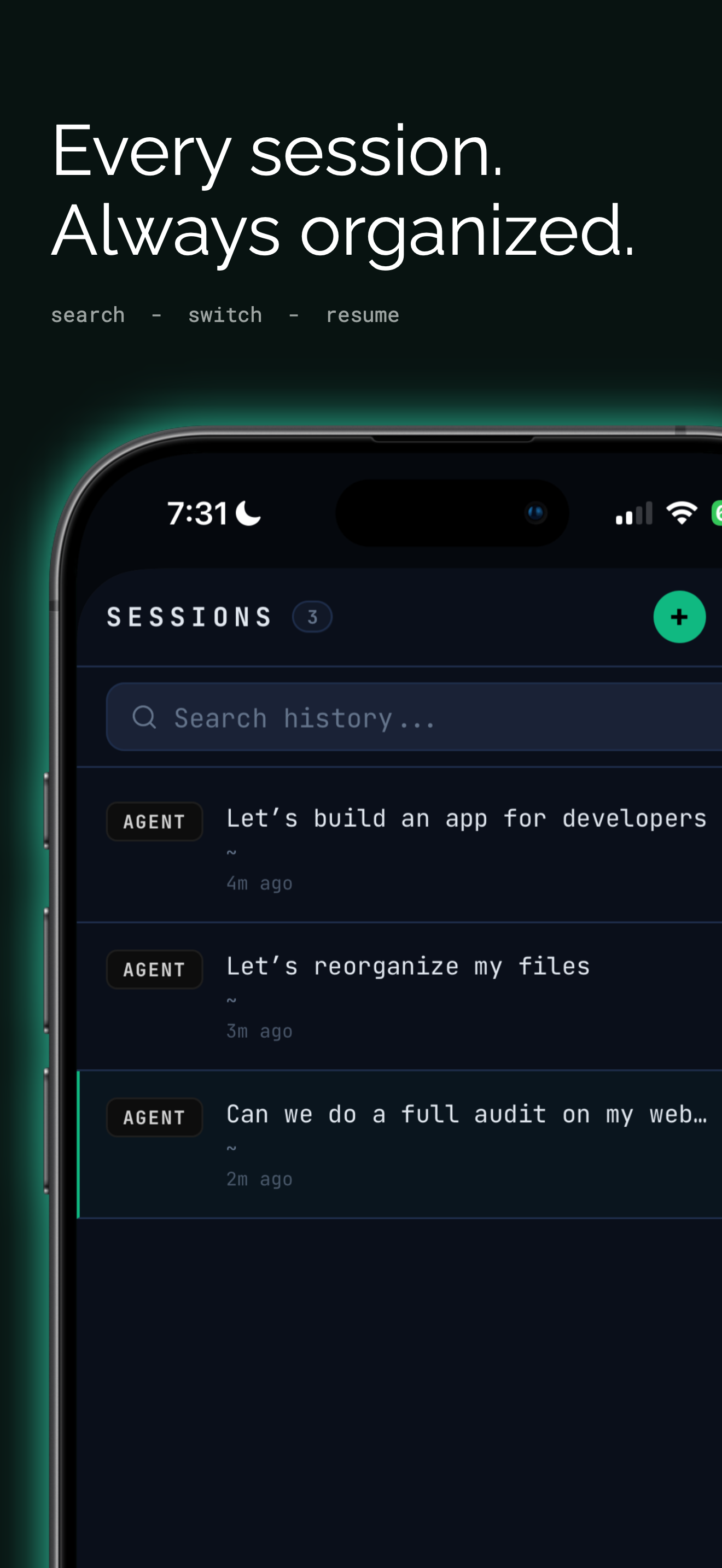
Command Claude Code, OpenAI Codex CLI, and Amp from your iPhone, over any network, anywhere in the world. No port forwarding. No VPN. No desk required.
Card collected at checkout · $9.99 / month after the trial · Cancel any time
THE PROBLEM
Claude Code surfaces approval prompts that gate your next step. Codex surfaces the same prompts mid-refactor.
Amp surfaces the same prompts. The tools that were supposed to free you
are the ones keeping you seated.
Cyphir cuts the leash. Your agent runs on your machine.
You review, approve, and redirect from wherever you are.
The work doesn't stop when you do.
CAPABILITIES
Cyphir is built for developers who use AI agents seriously. Every feature is purpose-built for the command and control of autonomous coding workflows.
SETUP GUIDE
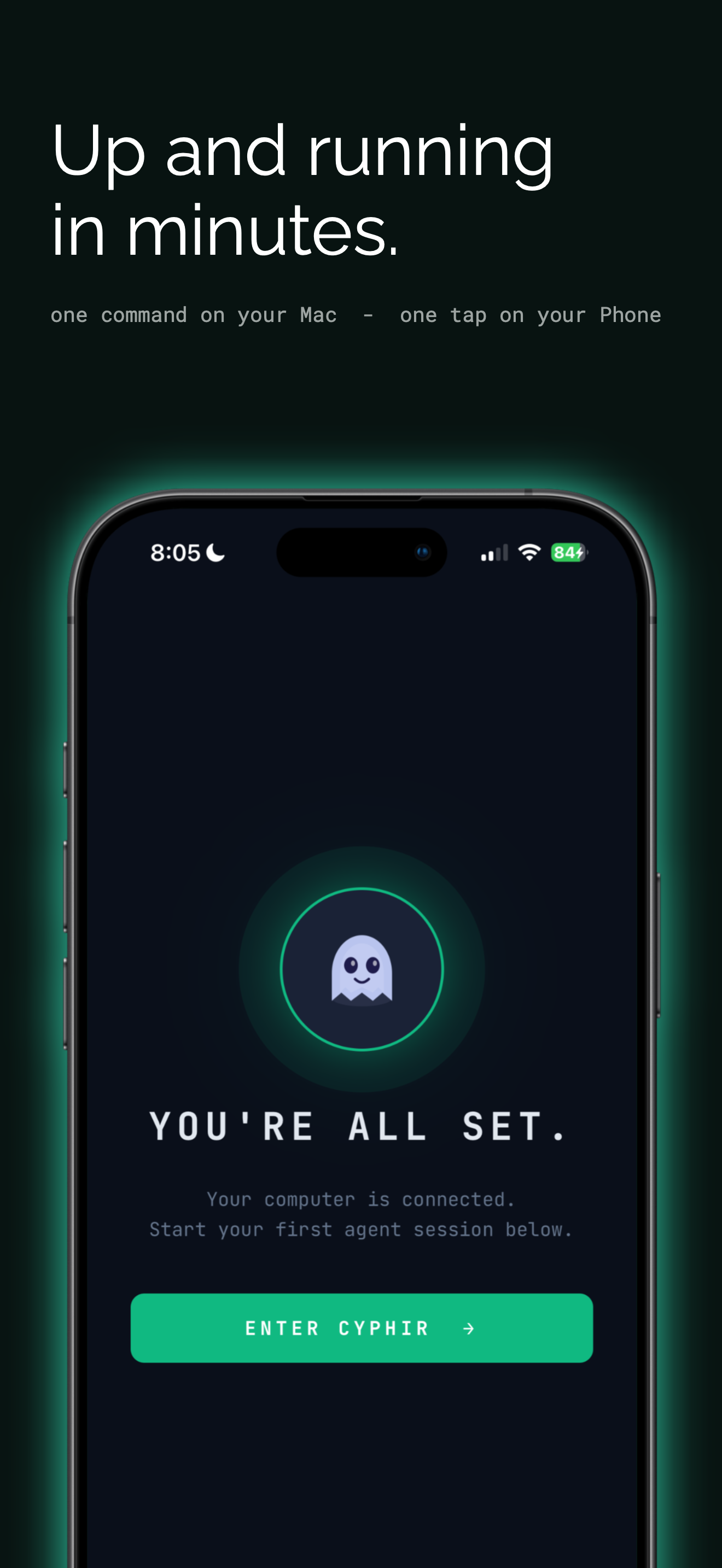
Install your preferred AI coding tool, then install the Cyphir bridge daemon. Pair your phone with a single command. You're live.
HOW IT WORKS
A lightweight daemon on your computer connects outbound to our relay. Your phone connects to the same relay. No ports opened on either side.
WHY CYPHIR
Built from scratch for AI agent workflows, not bolted onto a tool designed for something else.
| Cyphir | SSH Tunnel | Screen Share | ngrok | |
|---|---|---|---|---|
| Setup time | < 5 minutes | 30+ minutes | No agent control | 10+ minutes |
| Port forwarding required | No | Yes | Depends | Yes |
| Mobile-native UI | Yes | No | Barely | No |
| AI agent-aware | Yes | No | No | No |
| Tool approval flow | Built-in | Manual | Manual | None |
| Works on cellular | Yes | Firewall-dependent | High bandwidth | Yes |
SECURITY ARCHITECTURE
Your code lives on your machine. Your agent runs on your machine. Cyphir relays packets between your phone and your computer over TLS 1.3, terminated at our relay; we do not host your codebase.
WHERE YOU SIGN UP
Cyphir is two pieces: an account and an app that signs in to it. You create the account on this site, then the app picks it up. Here is the whole path, start to finish.
Already have a Cyphir account? Download the iPhone app and sign in with it.
PRICING
Full access during your trial, no feature gating. When you subscribe here, your card is collected at checkout so the subscription continues without a gap when the trial ends.
Subscribe here and you start with a 7 day free trial, with your card collected at checkout. On day 7 the card is charged $9.99 per month unless you cancel first. Cancel any time from your account on this site.
FAQ
GET STARTED
7 day free trial, card collected at checkout. Up and running in under 5 minutes.
↗ Start your 7 day free trial$9.99 / month after the trial · Cancel any time · Already subscribed? Manage or cancel